Tasks and assignments
Every activity has priority, owner, status, attachments and history. Decisions do not remain buried in chats.
View companies →
RunTask centralizes reports, planning, execution, deadlines and intervention history. A practical platform to eliminate spreadsheets, scattered chats and constant follow-ups.
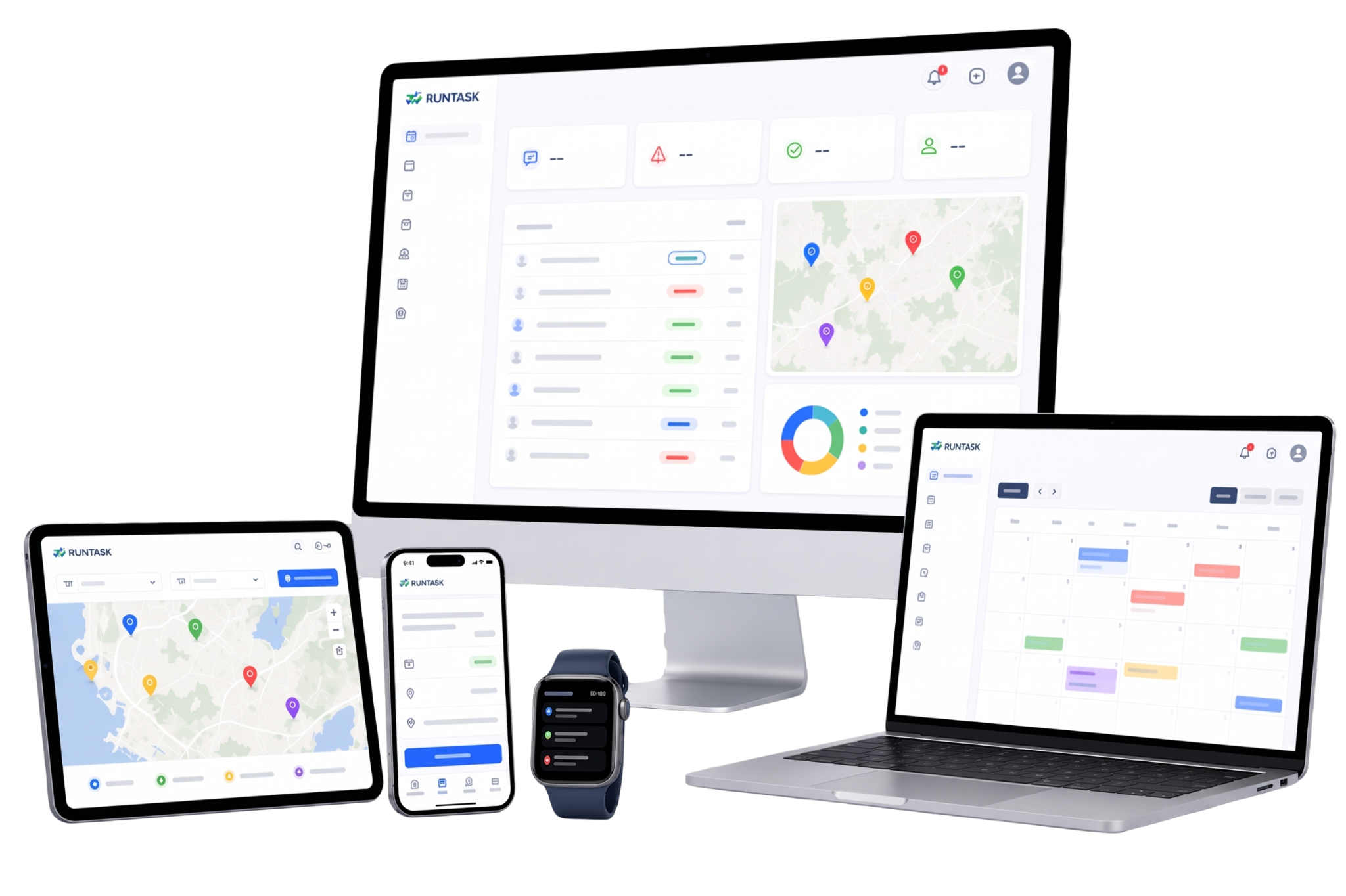
RunTask is not a simple task list. It is an operational environment for coordinating people, sites, systems, deadlines, materials and documents.
Every activity has priority, owner, status, attachments and history. Decisions do not remain buried in chats.
View companies →Rooms, systems, buildings, equipment and operational areas become tracked and searchable entities.
View hospitality →Scheduled maintenance, periodic controls and inspections are managed with calendar and accountability.
View public sector →This section guides visitors through the real workflow: from reporting to planning, from field execution to deadline control. Each screen is linked to a practical function, so decision-makers immediately understand where the software creates value.
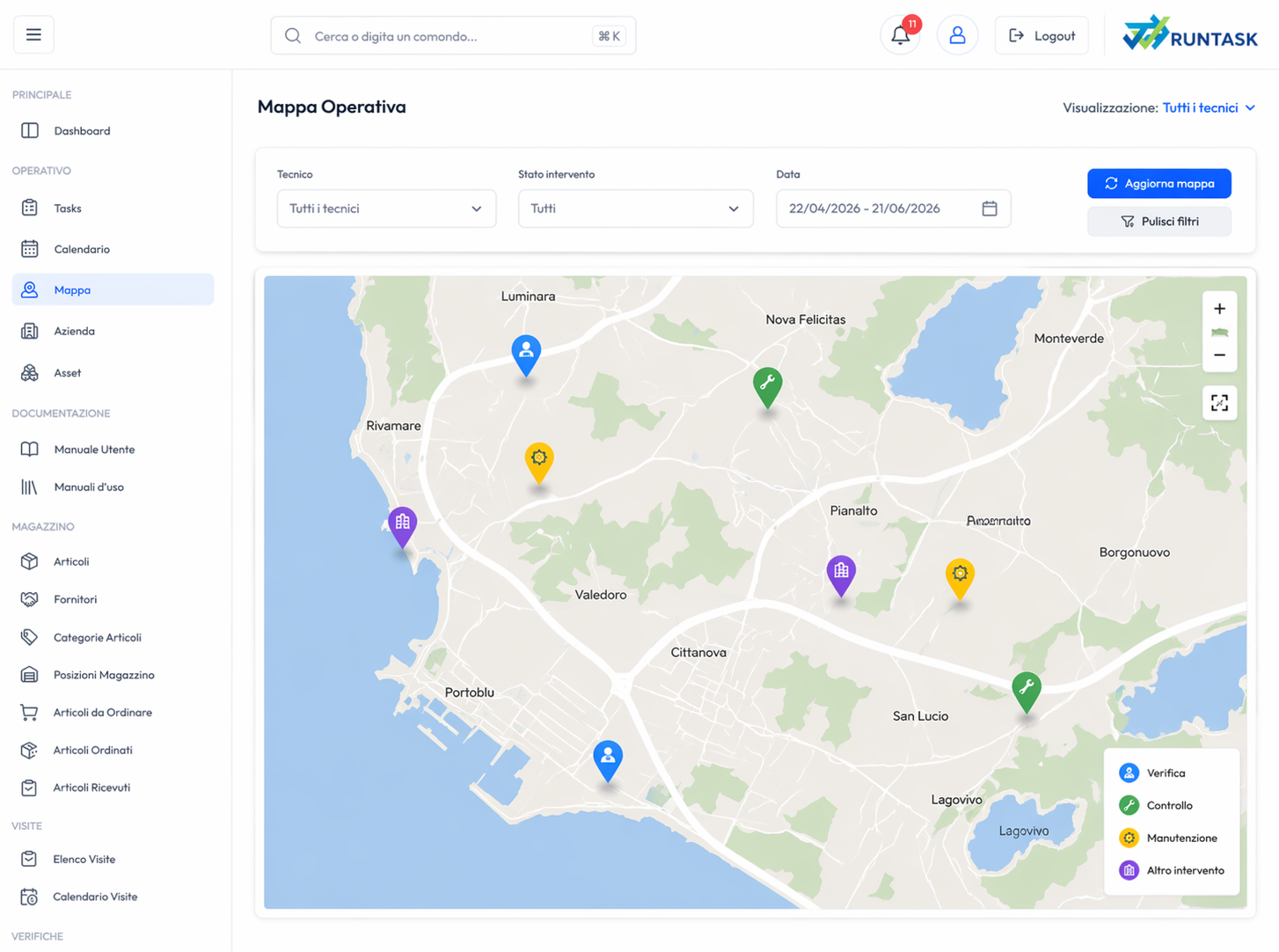
RunTask brings activities, urgencies, assignments, statuses and attachments into a readable view. The operations manager sees what is open, what is blocked, who is assigned and which interventions need attention.
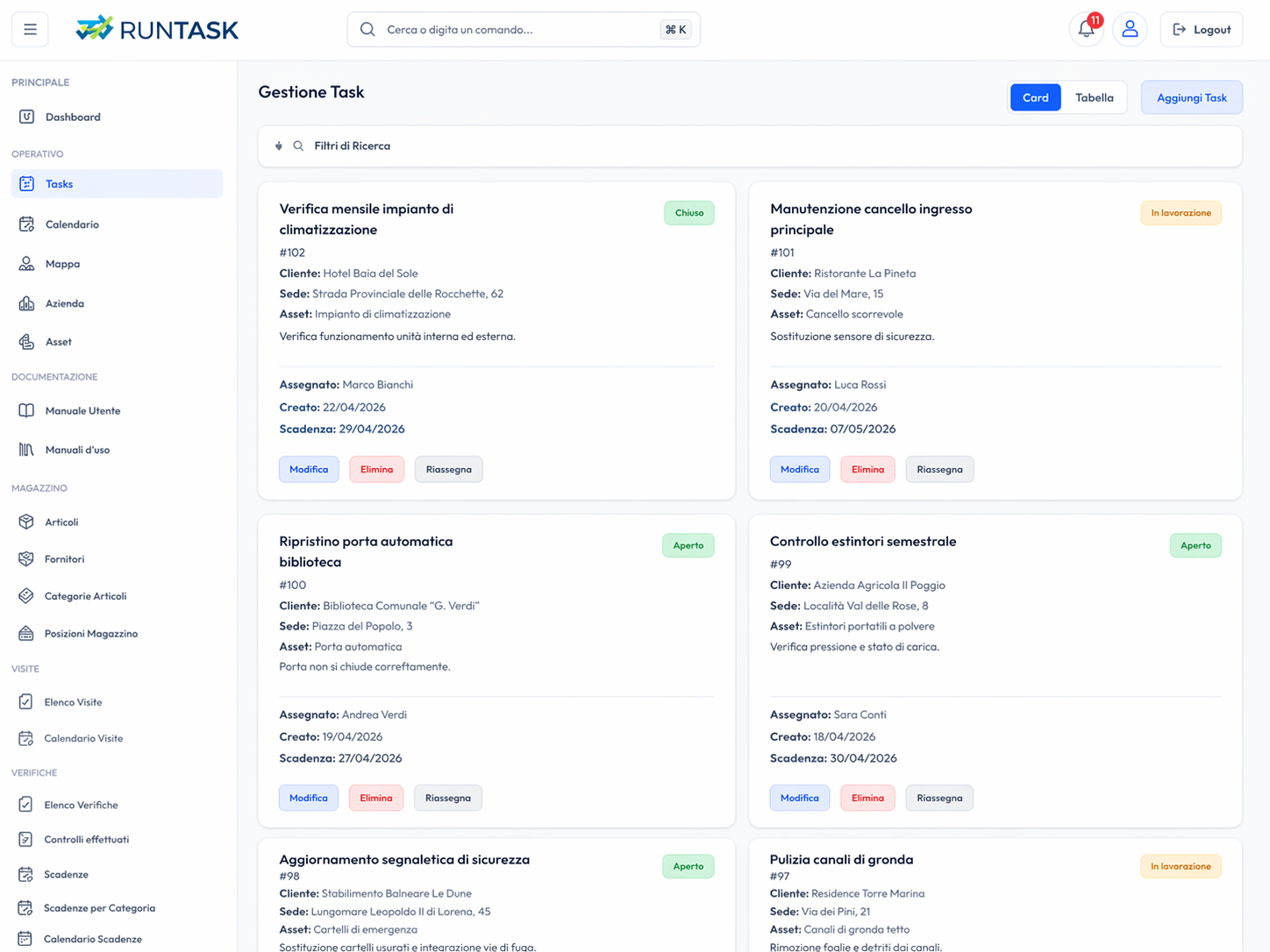
When assets are distributed across multiple sites, buildings or areas, the map becomes a decision tool. It helps understand where to intervene, group nearby activities and read the operational workload more clearly.
The calendar turns the task list into concrete planning. Activities can be viewed by day, week or month, avoiding overlaps, delays and improvised assignments.
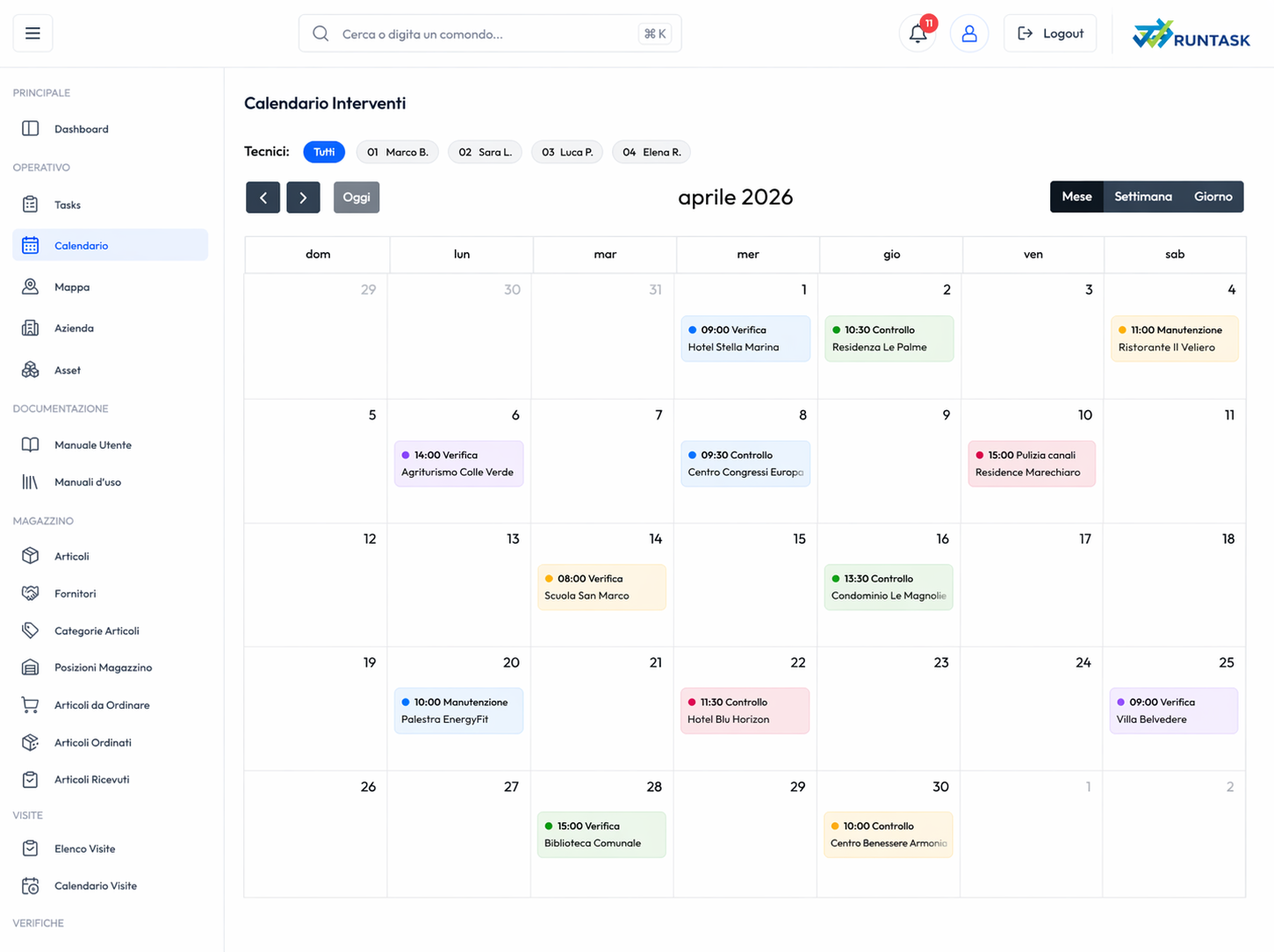
The deadlines section prevents costly omissions: periodic checks, scheduled maintenance, mandatory controls and recurring activities are turned into traceable processes.
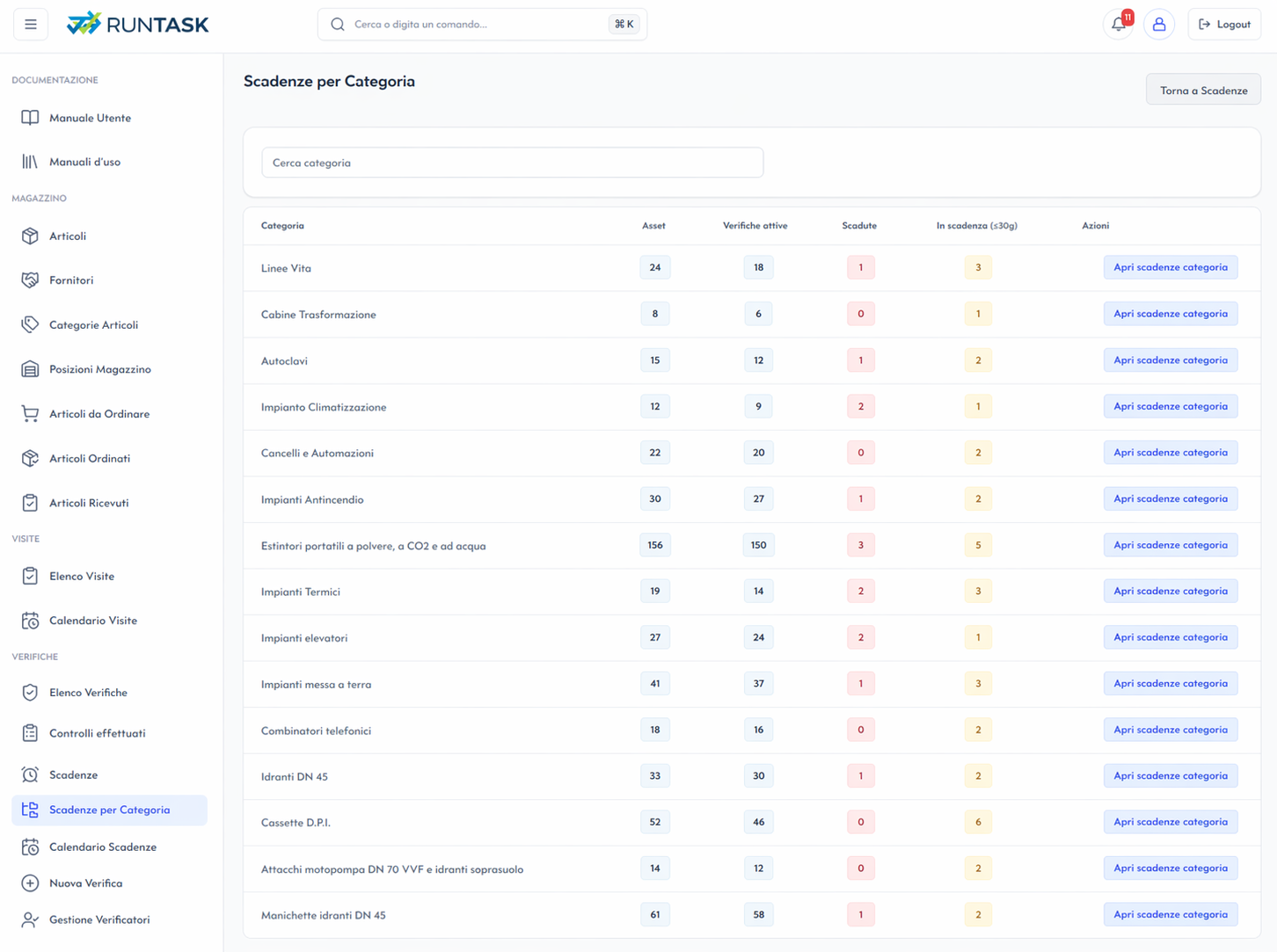
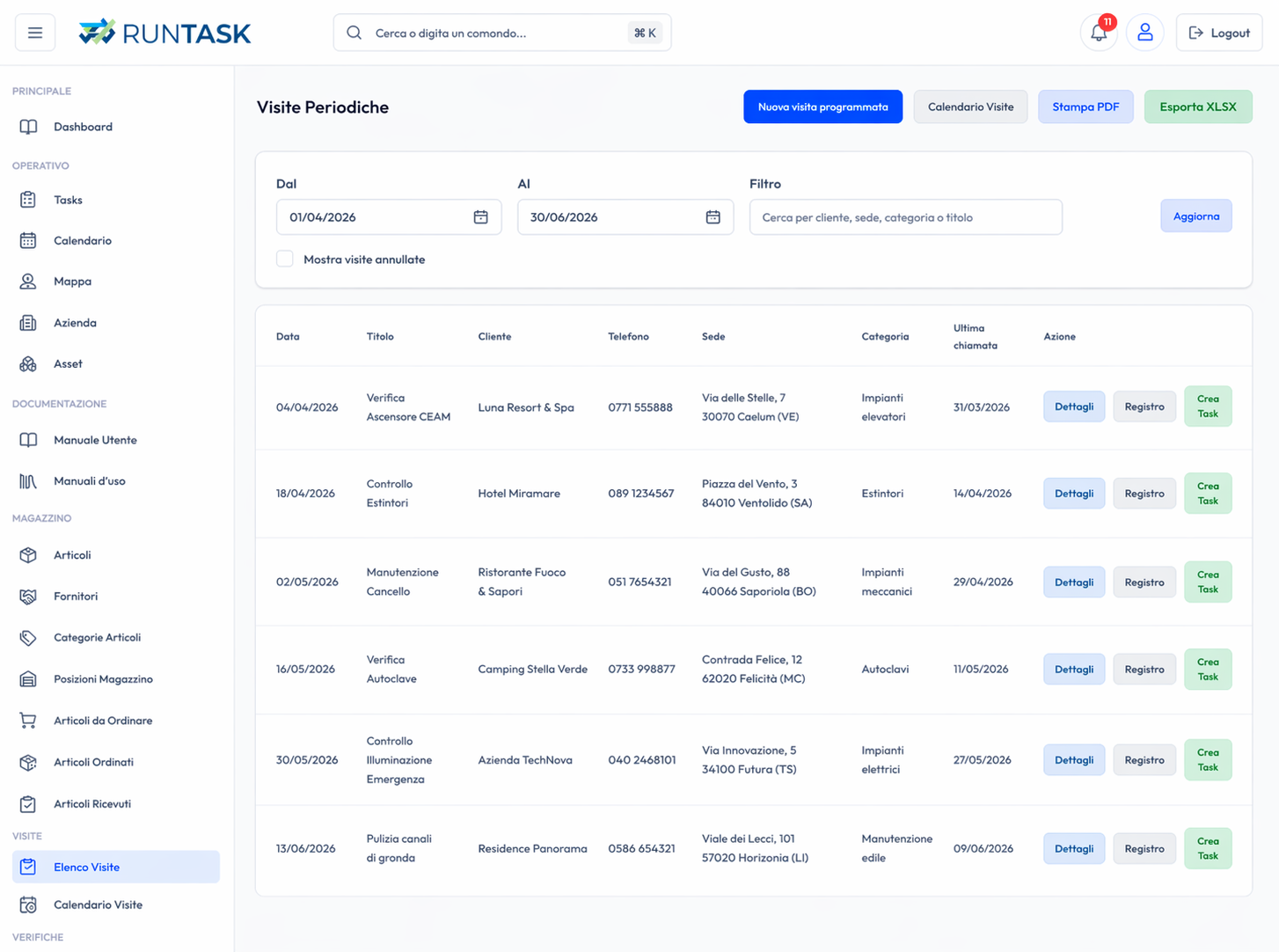
Recurring activities do not need to be recreated each time. RunTask lets you set frequency, responsibilities, documents and checklists, generating a stable and verifiable flow.
The result is simple: less individual memory, more company method. Information stays in the system, not in the head of a single technician.
Environment configuration, initial setup, master-data customization, first operational views and rollout.
Application support, evolutionary updates, user assistance and routine service maintenance.